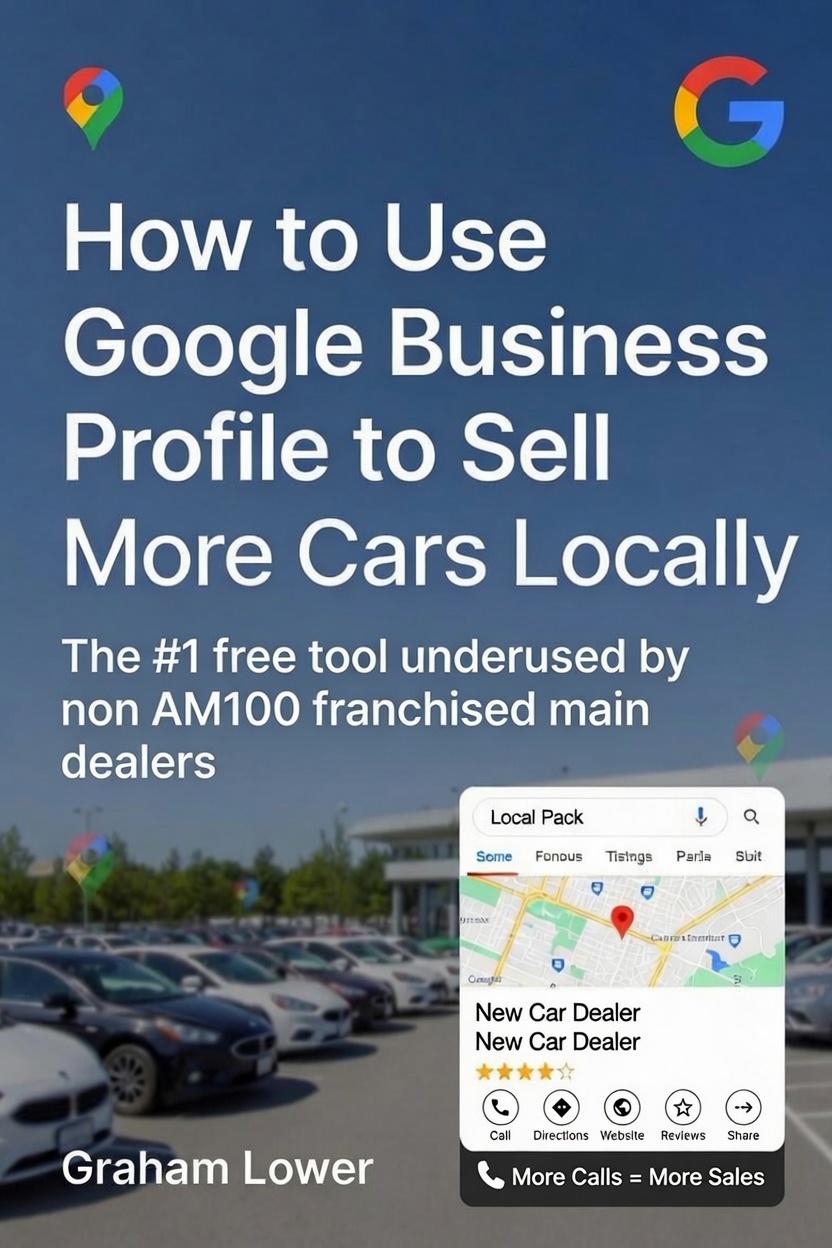
Google Business Profile for car dealers is one of the most underused free tools in the motor trade. If you run a privately-owned or family-run franchised main dealership, there’s a good chance you’ve already claimed your Google Business Profile (GBP). But claiming it and actually using it to sell more cars are two very different things.
I’ve worked with franchised main dealers for over 27 years, and one of the most consistent patterns I see is this: dealers invest thousands in forecourt stock, signage, and even paid advertising — but they leave their Google Business Profile half-finished, out of date, or completely ignored.
That’s a significant missed opportunity. Here’s why — and more importantly, here’s how to fix it.
What Is Google Business Profile and Why Does It Matter?
Google Business Profile is the free listing that appears when someone searches for your dealership by name, or when they search for something like “BMW 3-series near me” or “BMW dealers in [your town]”.
It controls what Google shows in what’s known as the Local Pack — the map and three business listings that appear near the top of local search results. Getting into that Local Pack can be the difference between a phone call and a missed sale.
The best part? It’s completely free.
Make Sure Your Core Information Is Accurate
This sounds obvious, but you’d be surprised how many dealerships have outdated phone numbers, wrong opening hours, or an old address still showing on their profile.
Check and update:
- Business name — use your actual trading name, not a keyword-stuffed version
- Address — must match exactly what’s on your website and other directories
- Phone number — use a local number if possible; it builds trust
- Opening hours — including any seasonal or bank holiday changes
- Website URL — link directly to your homepage or a relevant landing page
Consistency matters here. Google cross-references your details across the web, so discrepancies between your GBP, website, and directories like Autotrader can hurt your local rankings.
Choose the Right Business Category
Your primary category tells Google what type of business you are. For most privately owned or family owned main dealers, this should be “[Brand] Dealer”, such as Ford Dealer or BMW Dealer, if Google offers it. Google’s own guidance for car dealerships says to choose a category that describes the business as a whole, be specific, and for new car dealerships it supports brand-level profiles.
You can also add secondary categories — for example, if you carry out MOTs or servicing, add “Car Repair and Maintenance”. This can help you appear in additional local searches beyond just car sales.
Don’t overcrowd it with categories that don’t genuinely apply. Relevance matters more than volume.
Write a Compelling Business Description
You have 750 characters to tell potential customers who you are and why they should choose you. Most dealers either leave this blank or fill it with generic copy.
Use it to be specific:
- How long have you been trading?
- What makes and models do you specialise in?
- What’s your USP — no-pressure sales, full HPI checks, finance options, warranty?
- What area do you serve?
Think of it as your elevator pitch to someone who’s never heard of you. Make it count.
Upload High-Quality Photos — Regularly
Research consistently shows that businesses with photos receive significantly more direction requests and website clicks than those without — independent studies put the figures at around 42–45% more direction requests and 31–35% more website clicks. For car dealers, this is even more relevant — people want to see your stock, your forecourt, and your premises before they visit.
Upload:
- Exterior shots — so customers can find you easily
- Interior/forecourt shots — to show the quality of your environment
- Stock photos — regularly updated as cars come and go
- Team photos — humanise your business and build trust
Aim to add new photos at least monthly. Fresh content signals to Google that your business is active.
Collect and Respond to Reviews
Reviews are one of the most powerful ranking factors in local search — and one of the most underused tools in any dealer’s marketing.
- A consistent flow of genuine, positive reviews will:
Improve your position in local search results - Build trust with buyers who are researching before they visit
- Differentiate you from larger competitors
How to get more reviews: Simply ask. After a successful purchase, send a follow-up text or email with a direct link to your Google review page. Most happy customers are willing to leave a review — they just need prompting.
Responding to reviews — both positive and negative — also matters. It shows prospective customers that you’re engaged and professional. Never ignore a negative review; a calm, constructive response demonstrates good character.
Use Google Posts to Promote Stock and Offers
Google Posts are short updates that appear directly on your Business Profile. They’re free, they’re visible in search results, and almost no independent dealers use them.
You can post:
- New stock arrivals — “Just in: 2021 Ford Focus ST-Line, 28,000 miles, full service history”
- Seasonal offers — summer deals, plate change promotions, finance offers
- Events — open days, part-exchange events
- News — any awards, accreditations, or milestones
Standard posts expire after seven days — Offer and Event posts stay live until their end date. Aim to post two to three times per week if you can; businesses doing so see 34% higher engagement than those posting monthly. Even once a week keeps your profile looking active and current, and it takes five minutes.
Google’s AI Now Answers Questions About Your Dealership
Something most dealers don’t know yet: Google discontinued the Q&A section on Business Profiles in December 2025, replacing it with an AI-powered feature called Ask Maps. When a buyer asks “do they offer finance?” your GBP, Google’s Gemini AI generates an instant answer automatically — pulling from your Business Profile, reviews, photos, and website content.
You no longer control Q&A directly. But you control what the AI uses to answer. Keep your business description, services section, and website FAQ detailed and accurate — phrase things the way buyers actually ask them. If your profile is vague, Google will still answer buyer questions. Just not necessarily correctly.
The Bottom Line
Your Google Business Profile is often the first thing a potential customer sees when they search for a car dealer in your area. It costs nothing to set up and optimise — but the difference between a neglected profile and a well-maintained one can be significant in terms of enquiries, footfall, and ultimately, sales.
If you’re not actively managing yours, someone else in your area probably is.
If you’d like me to take a look at your Google Business Profile and give you specific, actionable recommendations, get in touch — I’m happy to have a conversation.
Q: Is Google Business Profile free for car dealerships?
Q: What business category should a car dealer use on Google Business Profile?
Q: How do I get my dealership into the Google Local Pack?
Q: How often should I update photos on my Google Business Profile?
Q: How do I get more Google reviews for my dealership?
Graham Lower is a digital marketing consultant specialising in SEO and PPC for independent UK car dealerships, with 27 years of motor trade experience.
-
How to Use Google Business Profile to Sell More Cars Locally
Google Business Profile for car dealers is one of the most underused free tools in…

Leave a Reply